 Play Now ▶






Here's a quick overview of Mii Maker
- What is Mii Maker?
- Why People Love Mii Maker
- Mii Maker Game Overview
- How to Play Mii Maker Online
- Mii Maker Tips and Tricks
- FAQ About Mii Maker
- Play Mii Maker Online Free
What is Mii Maker?
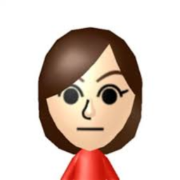
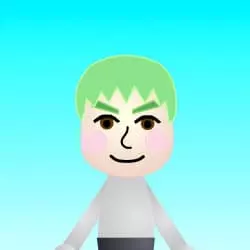
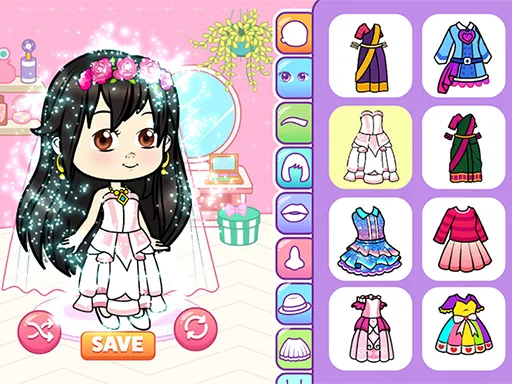
Mii Makeris a free online character creator that lets you design custom Mii-style avatars right in your browser — no Nintendo console needed, no account required. If you've ever used the Mii Channel on a Wii or the character editor on Nintendo Switch, you already know the concept: pick a face shape, choose eyes and a hairstyle, add accessories, and watch your character come to life. This web version brings that same creative experience to anyone with a phone, tablet, or computer.
Unlike Nintendo's built-in editor, which requires a console, this version runs entirely online. There is nothing to download, no sign-up form, and no hidden paywalls. Just open the page, click the green flag to start, and begin making your Mii. It works on Chrome, Safari, Firefox, and Edge — on both desktop and mobile browsers. Whether you want to create a cartoon version of yourself, design a funny avatar for social media, or just have fun making silly faces, you are in the right place.
Why People Love Mii Maker
Mii Maker has become a go-to creative tool for thousands of users who play it online every day. Here is what makes it popular across gaming communities, parent groups, and creative circles:
Play Mii Maker Instantly
No downloads, no installs. Open your browser and start creating in seconds.
Mii Maker Customization
Hundreds of face shapes, hairstyles, eye colors, and accessories for endless Mii combinations.
Mii Maker on Any Device
Desktop, tablet, or phone — the touch-friendly interface adapts to any screen size.
Mii Maker Is Safe & Simple
No chat, no ads, no in-app purchases. A relaxed, low-pressure creative space for everyone.
Mii Maker Is 100% Free
Every feature unlocked from the start. No premium tiers, no paywalls, no surprises.
Share Your Mii Maker Creations
Screenshot your character and share it with friends on social media or messaging apps.
Mii Maker Game Overview
| Game Title | Mii Maker |
|---|---|
| Type | Character Creator / Avatar Maker / Mii Editor |
| Platform | Web Browser (Desktop, Tablet, Mobile) |
| Price | Free — play online with no downloads |
| Controls | Mouse click / touch to select and customize features |
| Customization | Face shapes, skin tones, hairstyles, hair colors, eyes, eyebrows, nose, mouth, glasses, hats, and more |
| Save & Share | Screenshot your character to save or share |
| Age Rating | General audience — no violence or chat |
How to Play Mii Maker Online
Playing Mii Maker online is simple. Scroll up to the game window above, click the green flag to start, and follow these four steps to create your character:
Pick a Face Shape in Mii Maker
Choose from round, oval, square, and more. Select a skin tone that matches your vision — the palette covers a wide range of natural shades.
Style Your Mii Maker Character's Hair
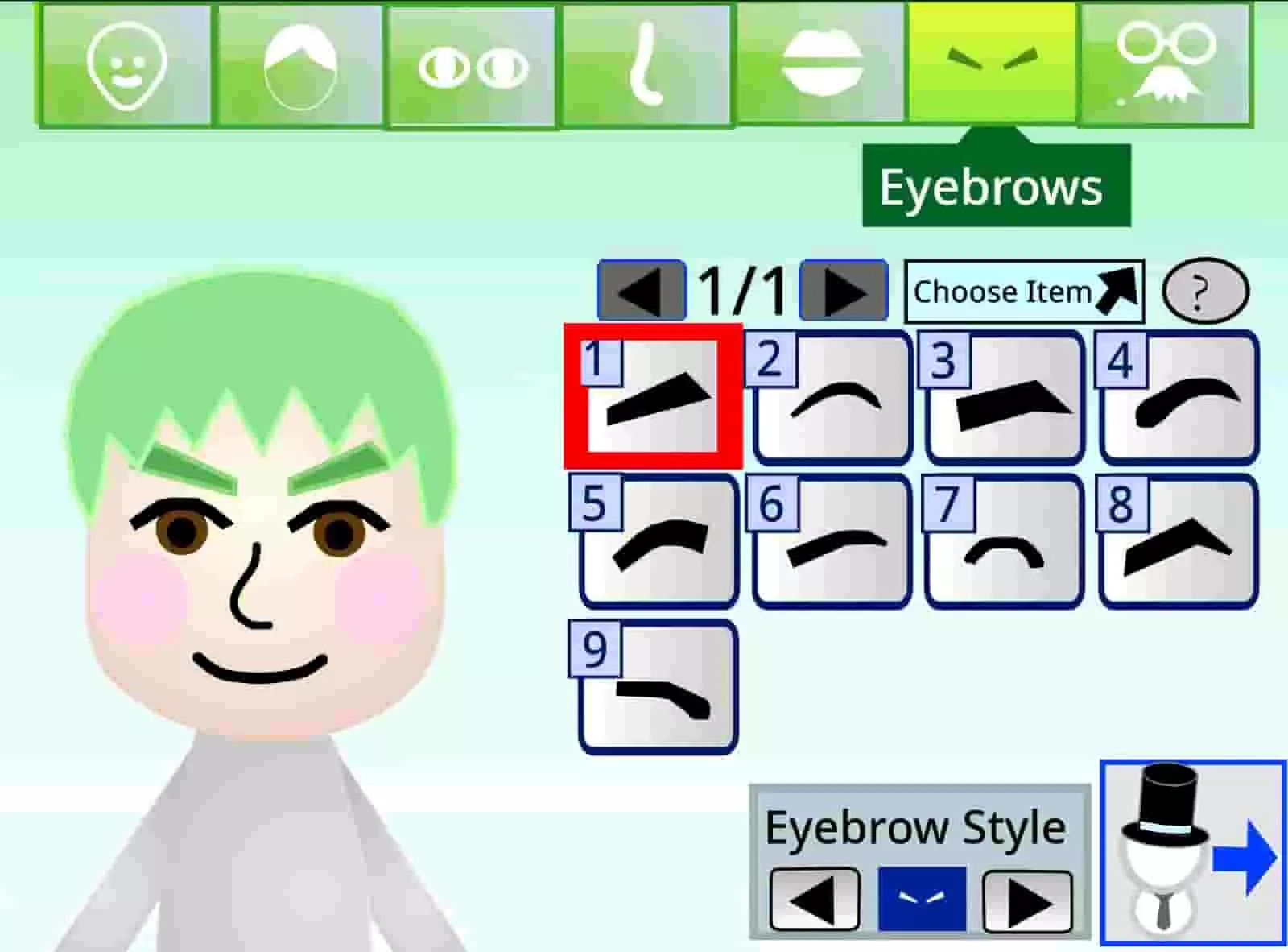
Browse short, long, curly, spiky, and braided styles. Pick a natural color or go bold with pink, blue, or green — hair transforms the entire look.
Set Your Mii Maker Character Features
Choose eyes, eyebrows, nose, and mouth. Each has dozens of options — from calm and realistic to exaggerated and cartoonish.
Add Accessories to Your Mii Maker Character
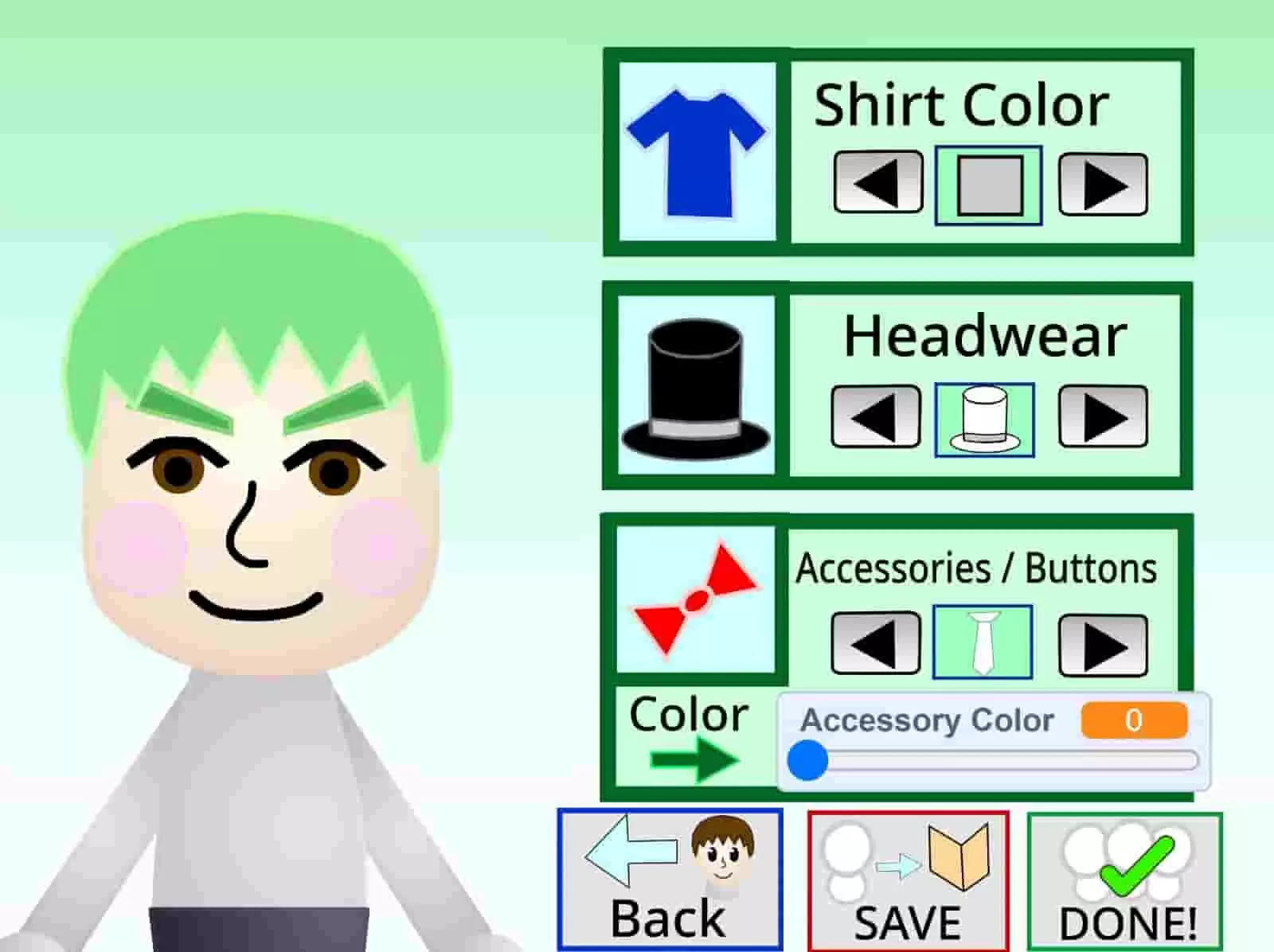
Finish with glasses, hats, or other details. A single accessory can give your character a whole new personality. Then screenshot and share!
Mii Maker Tips and Tricks
Want to make the best-looking characters in Mii Maker? These tips come from experienced creators on Reddit and YouTube who have spent hours perfecting their Mii creations:
Start with a real person in mind. Try recreating yourself, a friend, or a celebrity first. Having a reference helps you learn which features create specific looks. Once you nail the likeness, tweak it into something original — this is the #1 tip shared on Reddit for making better Miis.
Pick the eyes before the hair.Eyes define a character's personality more than any other feature. Big round eyes give a friendly look, while narrow eyes feel serious. Once the eyes feel right, choose a hairstyle that complements them.
Use accessories with intention. A pair of glasses can make your Mii look smart. A hat adds adventure vibes. Pick one or two accessories that match the personality you want — do not just throw on everything.
Less is more. The best-looking Miis on Reddit and Pinterest use restraint. Instead of maxing out every option, focus on getting two or three features exactly right. A clean, simple character often looks better than one with every option enabled.
FAQ About Mii Maker
Do I need a Nintendo account to play Mii Maker online?
No. This is a web-based character editor that runs in your browser. You do not need a Nintendo console, Nintendo account, or any login. Just open the page and start creating your Mii.
Is Mii Maker really free?
Yes, 100% free. There are no hidden charges, no premium features to unlock, and no in-app purchases. Every customization option is available from the start.
Can I play Mii Maker on my phone?
Yes. It works on mobile browsers including Chrome, Safari, and Firefox on both Android and iOS. Touch controls are fully supported — just tap to select features.
How do I save my Mii Maker character?
Take a screenshot of your finished character. On most phones, press the power + volume down button. On desktop, use the Print Screen key or your browser's screenshot tool. Then share your Mii anywhere you like.
Is Mii Maker safe to use?
Yes. It is a creative tool with no violence, no chat, no ads, and no purchases. It is a calm, low-pressure creative space that anyone can enjoy.
How is this Mii Maker different from Nintendo's Mii Maker?
Nintendo's version is built into Wii, 3DS, and Switch consoles. This one runs in any browser without needing a console. The customization options are similar — face shapes, hairstyles, eyes, accessories — but you can play Mii Maker online from any device.
Play Mii Maker Online Free
Mii Maker is one of the best free character creators available online. Design your unique Mii characters, and let your imagination shine. No downloads, no sign-ups — just pure creative fun.
Play Mii Maker Now





Comments (0)
Loading comments...